Walkthrough
A clear path from starting site to live website.
You don’t need to know how to design a page. Here is every step, what you do at each, and where payment comes in.
Veloċi is not selling in the United Kingdom yet. You can still read how it works and what it costs.
Packages from £79 once. Hosting, domain and email are optional extras. The total, including any tax, is shown before you pay.
The walkthrough
From a starting site to a live one.
Ten steps, from a starting site to a published one.
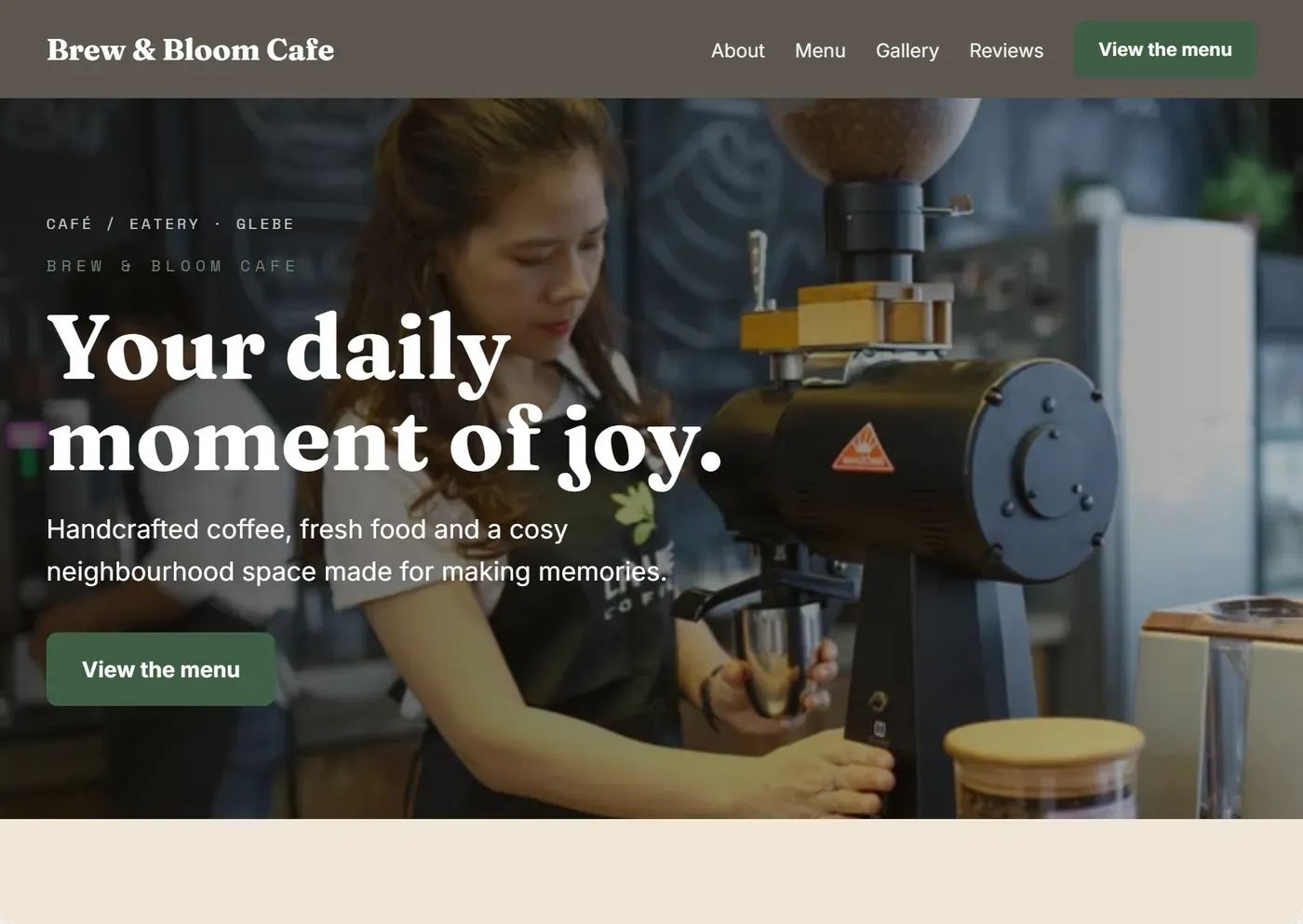
Pick your business type and a style
Choose from 154 types, or let the short interview ask you. The site opens already designed, with the sections, words and photos that business needs.
Name it
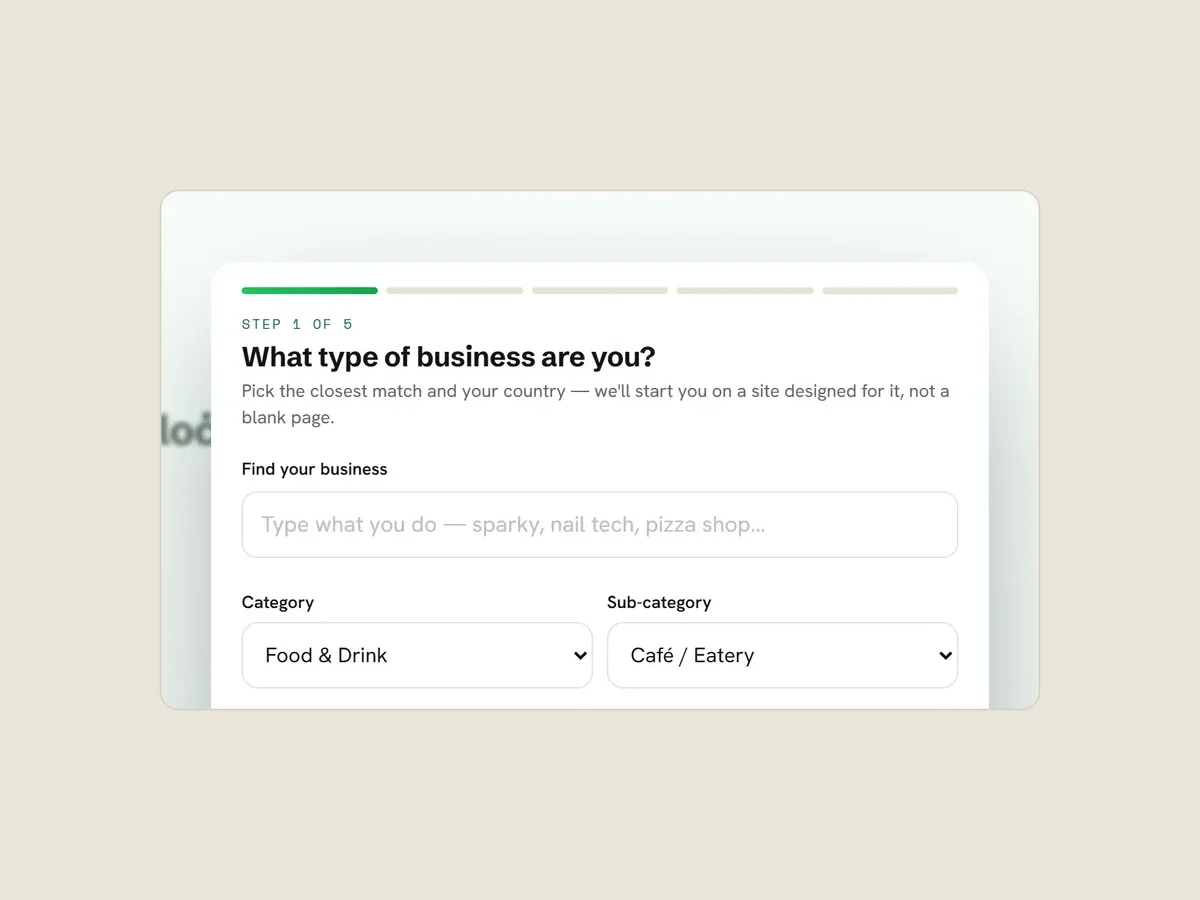
Already have a name? Type it. If not, the name studio suggests ideas from your area and a few words you pick.
Find your voice
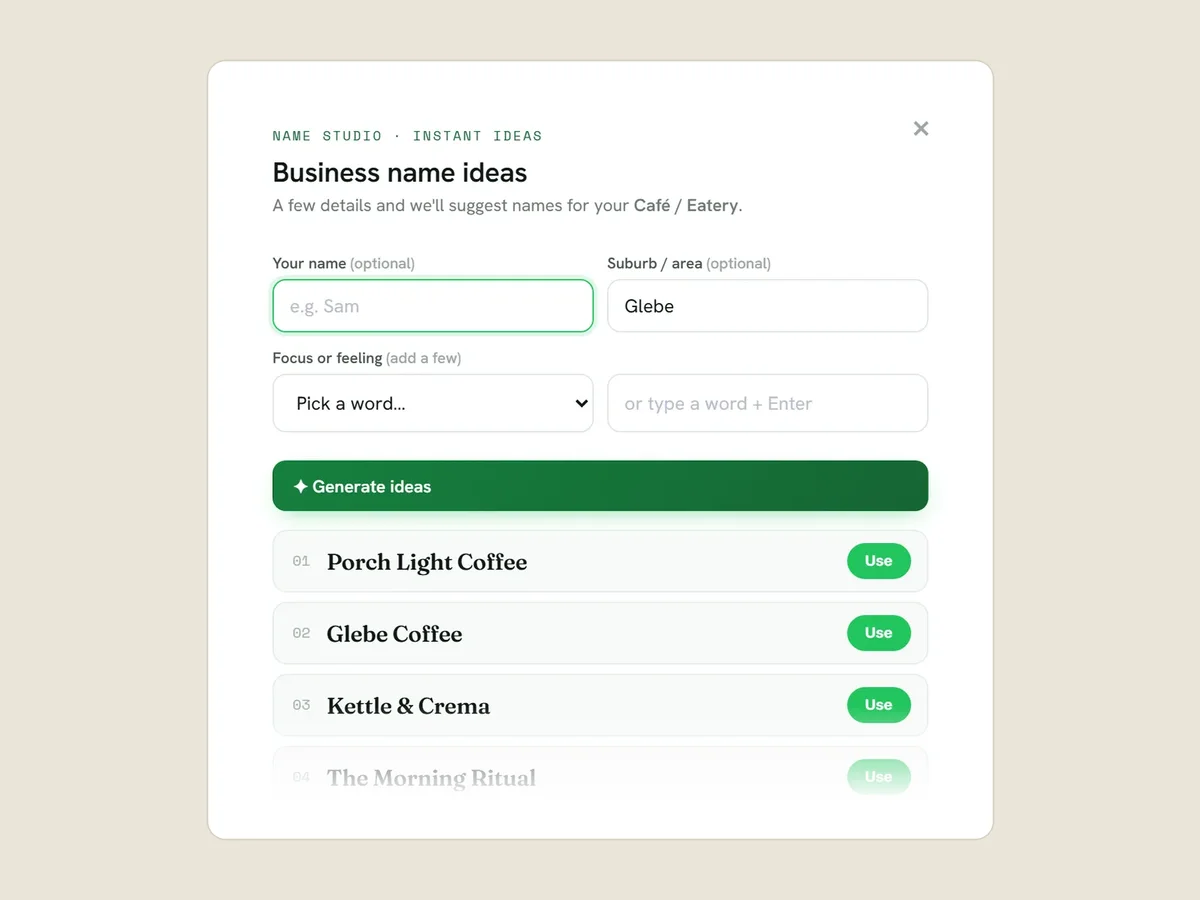
Answer short rounds of questions about your business, typed or spoken. You can pass on any of them, or skip and come back later.
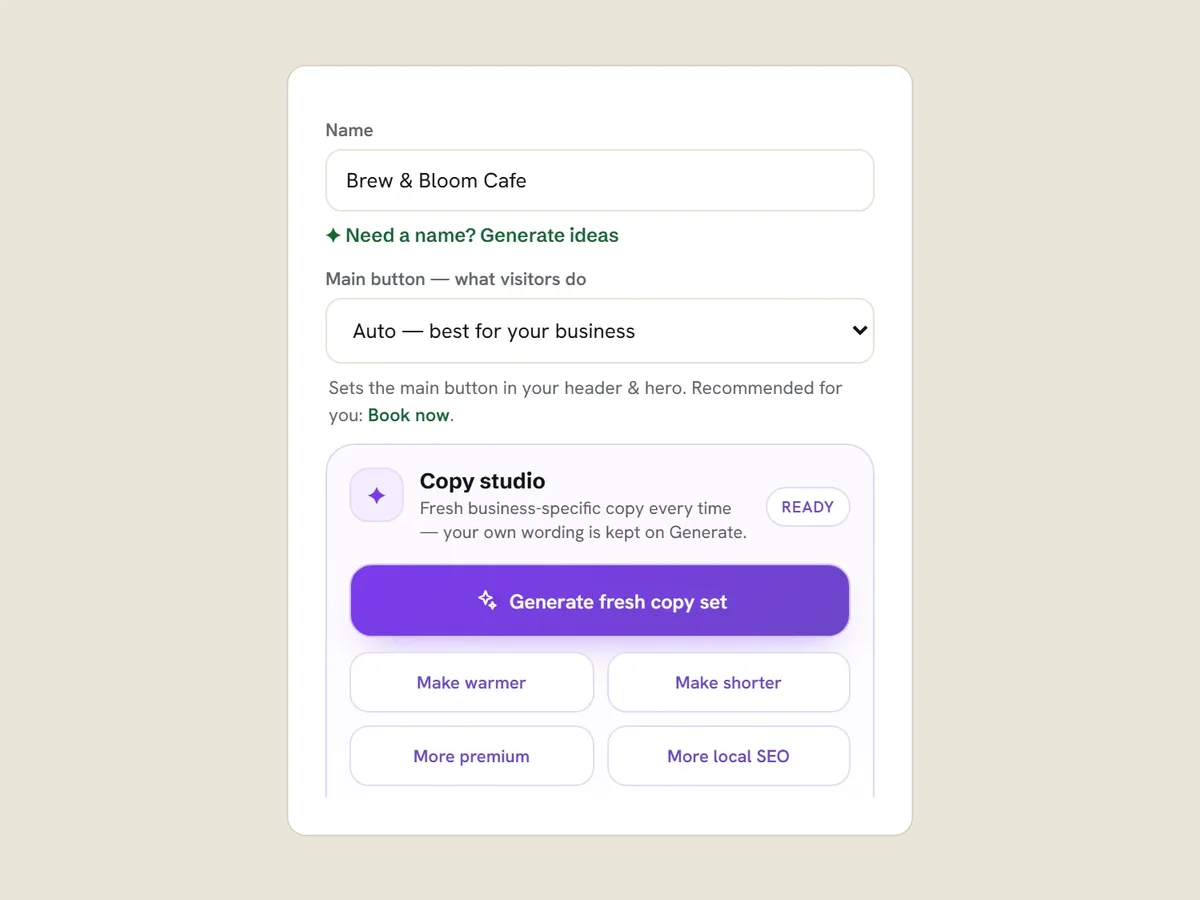
Shape the words
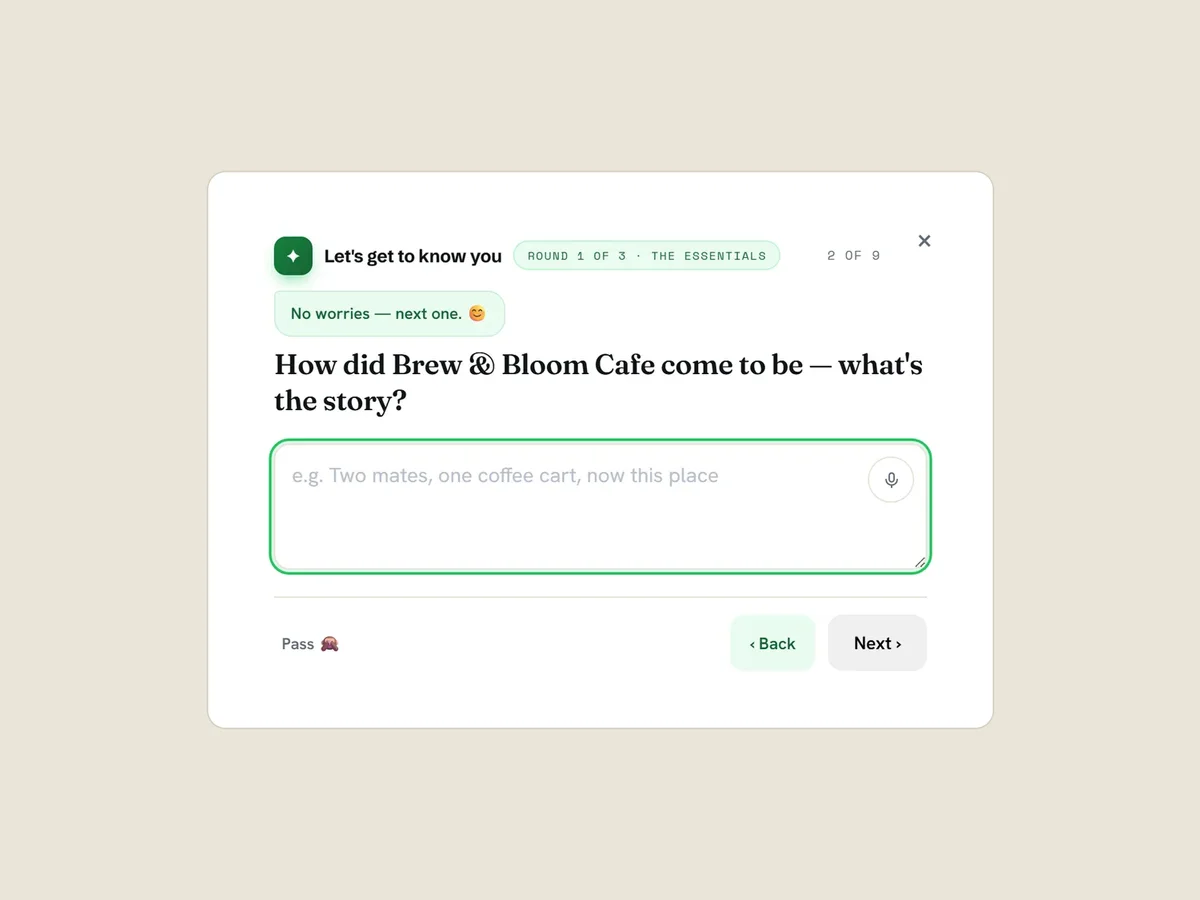
Your answers draft the About section: a story, a story with highlights, or a story with questions and answers. Pick and mix the answers you want. The copy studio swaps the tagline, description, About and feature points for prewritten wording that is warmer, shorter, more premium or more local.
Make it look like you
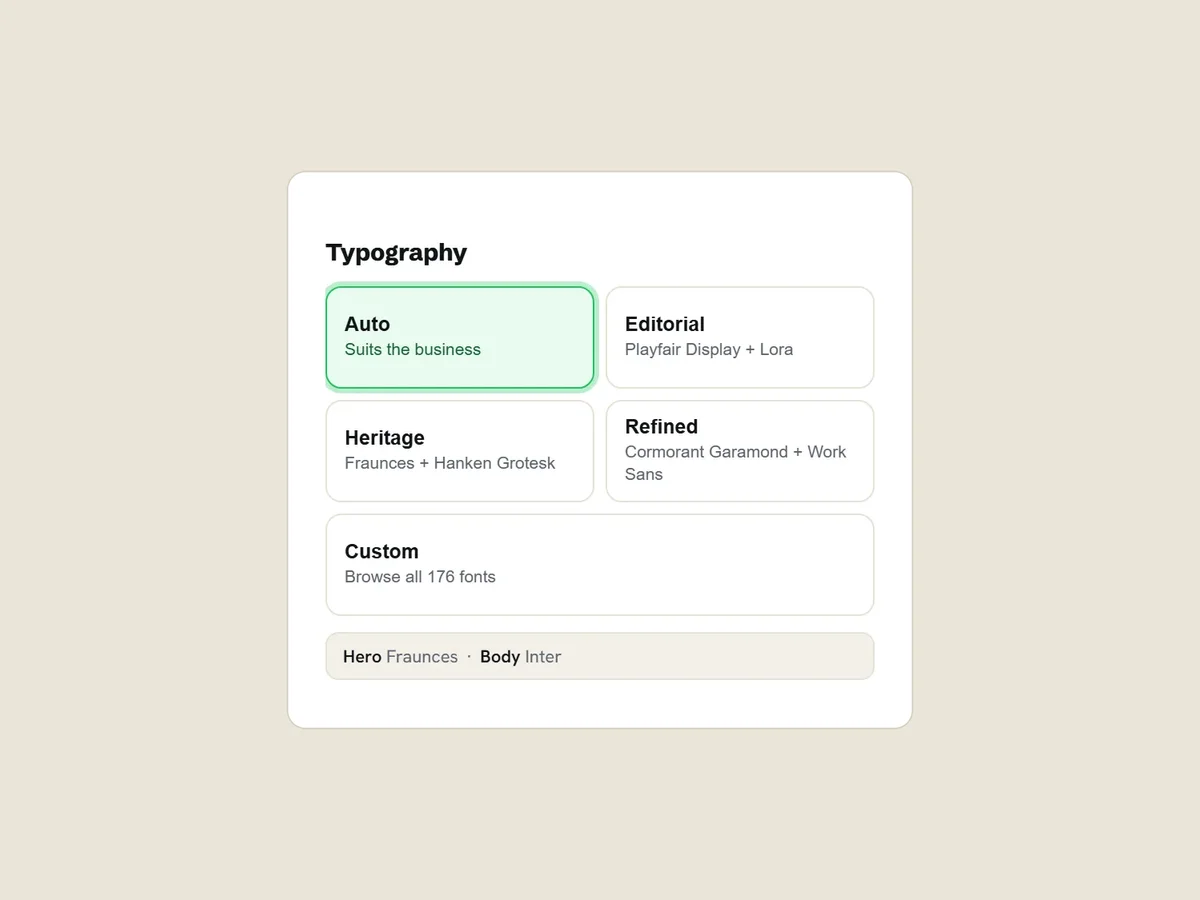
Choose Auto type or one of three pairings, or browse 176 fonts. Press Remix for a fresh style, colour and photos, then set your own accent colour.
Add photos and real reviews
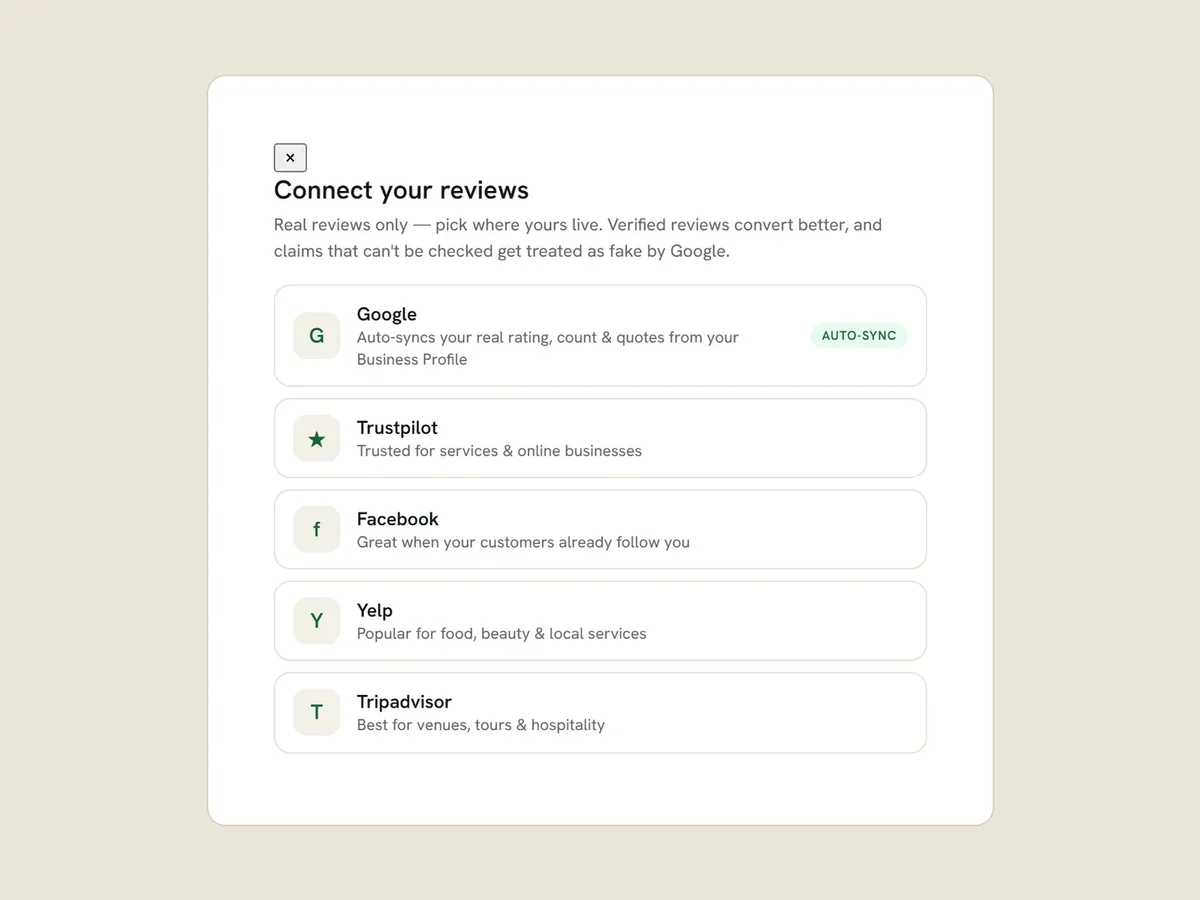
114 curated photos come with your business type; swap in your own or search Pexels. Link your Google, Trustpilot, Facebook, Yelp or Tripadvisor reviews.
Try it on different screens
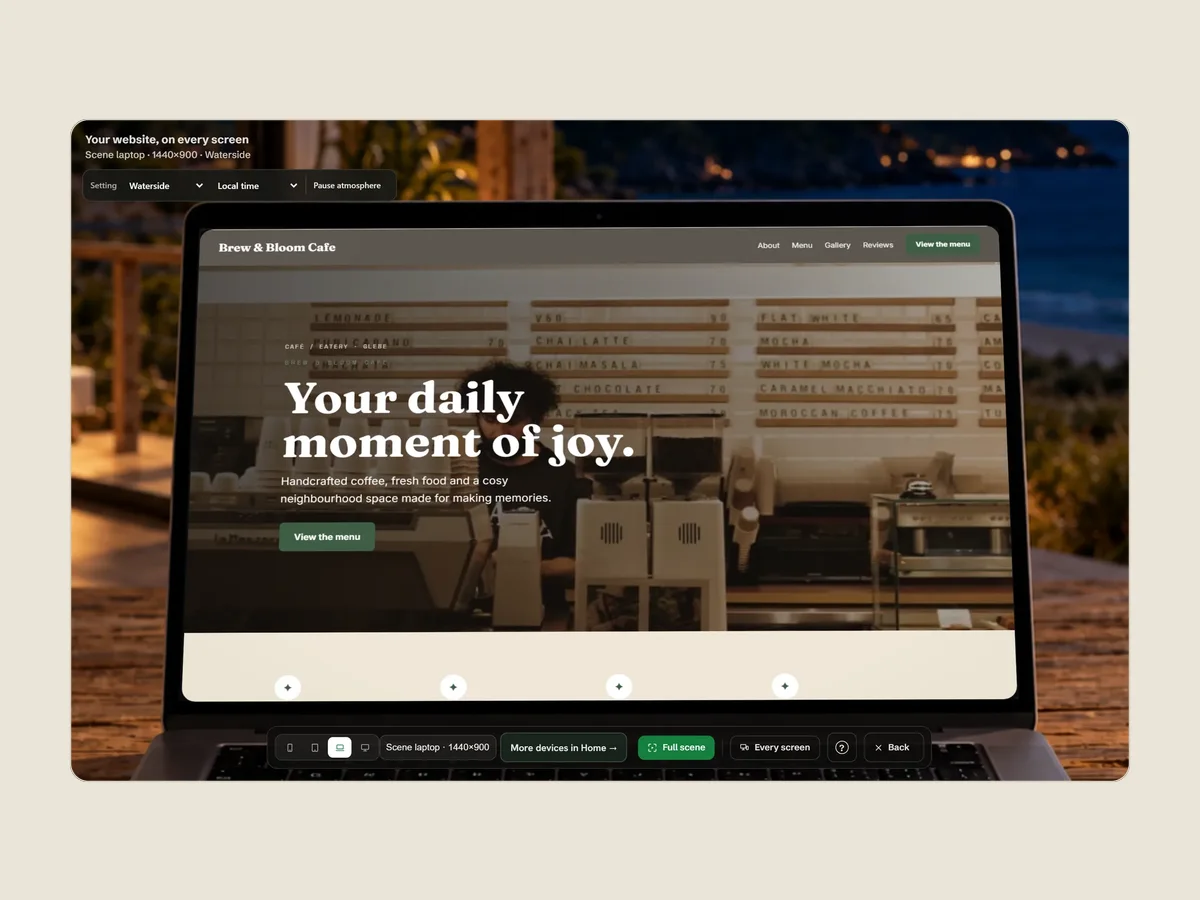
Press Explore screen sizes to see it on a laptop, monitor or tablet in Studio. Laptop or desktop only.
Save it, or keep a link
The draft saves in your browser as you work while there is space. If browser storage runs out it tries to keep just your words, and it can fail. Before you leave, press Save for a copy on your device that Load opens again, or Share for a link kept for 180 days.
Buy when it’s ready
See the bundles side by side (Starter, Business, Growth, Growth · Team and Custom Design), or buy the pieces separately. Confirm your email with a code and pay on Stripe’s checkout. Your download unlocks once the payment is confirmed.
Put it online
Add hosting (included for a year with Business and Growth), a domain and mailboxes. A person connects the domain.
The editor
Everything on the left changes the site on the right.
One screen: the controls in a column and your site beside them.
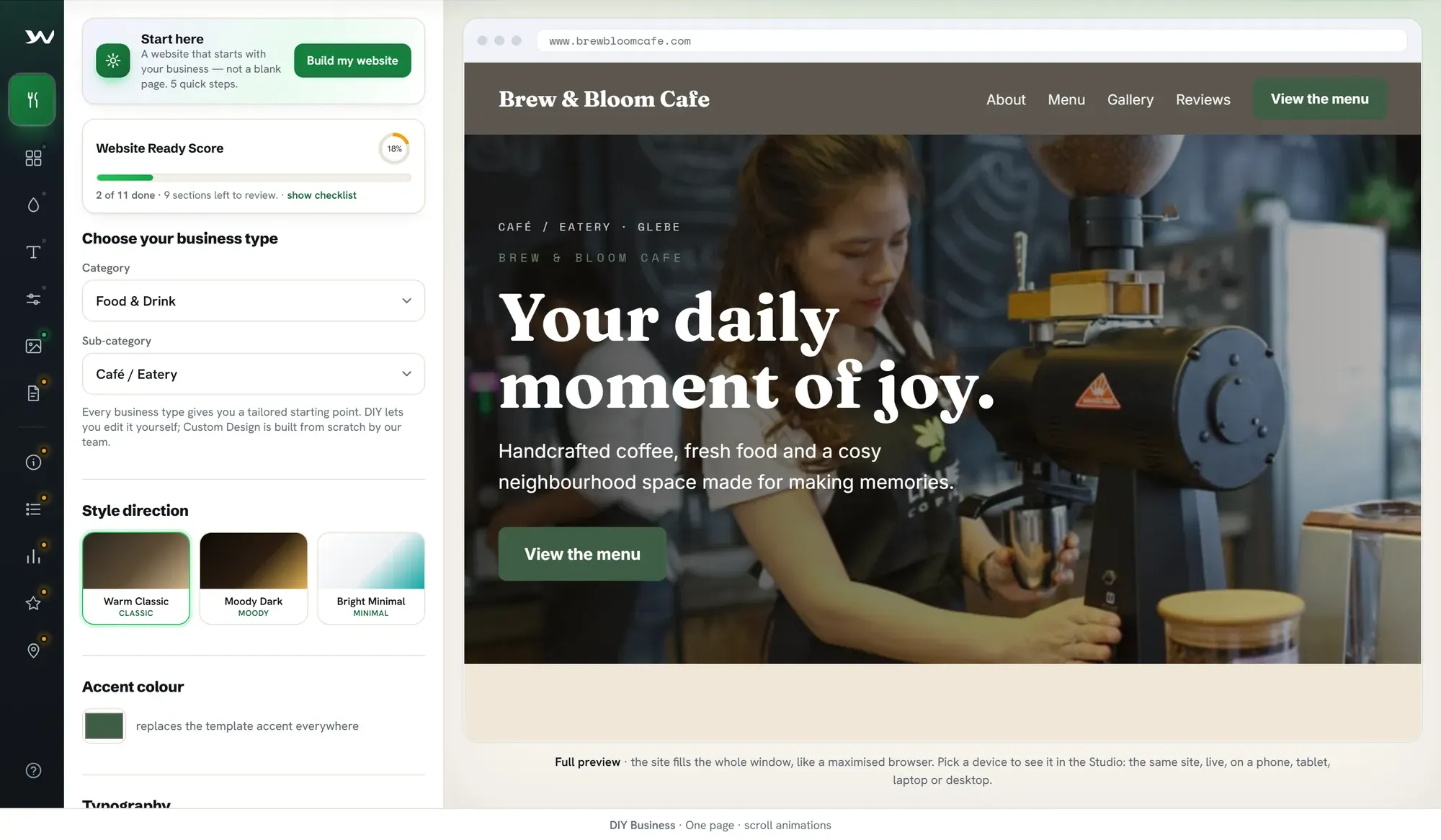
- Business type 154 types in 11 groups. Changing it opens that type’s starting site.
- Style Warm Classic, Moody Dark or Bright Minimal, plus an accent colour and type set.
- Live preview Your site as a visitor will see it. Every edit shows here straight away.
What happens when you buy
Five steps, from choosing a package to going live.
Step 1 of 5
Choose a package and check the total
The buy form shows the package, your details, the billing currency and the refund terms. The total, including any tax, is shown before you pay.
Step 2 of 5
Confirm your email
We send a six-digit code to the address you gave, so your download and access link reach the right inbox.
No screen to show: the six-digit code only appears once a real code has been emailed, so we cannot capture it honestly.
Step 3 of 5
Pay on Stripe’s secure checkout
Card details go to Stripe, never to us. Leave the checkout and nothing is charged.
No screen to show: the payment page is Stripe’s own, not ours. Card details go to Stripe, and leaving the page charges nothing.
Step 4 of 5
Your download unlocks
Once the builder has confirmed your payment, download the whole site as one HTML file. Your access link arrives by email.
Step 5 of 5
Go live when you’re ready
Publishing needs hosting: Business and Growth include Basic hosting for the first year; Starter adds it. Add a domain and mailboxes in the same place. A person connects your domain, so it isn’t instant.
Refunds follow a published sliding scale that starts at 90% in the first 72 hours. Hosting, domains and email are final once set up. Read the refund policy.
Questions
Before you start.
What is a domain, and do I need a new one?
A domain is your site’s address, like yourbusiness.com.au. Search for one in the builder to see its price, or connect a domain you already own. A person connects it for you after purchase.
What does hosting do?
It puts your site online. Veloċi hosting publishes it on Cloudflare’s network with HTTPS and an uptime watch, and keeps the editor open. You can also download the file and host it yourself.
What if I’m not good at writing?
Every business type opens with prewritten copy. Find your voice asks a few questions (type or speak the answers) and drafts your About; the copy studio swaps your tagline, description, About and feature points for prewritten wording that is warmer, shorter, more premium or more local.
Can I stop and come back?
Yes. The draft saves in this browser as you work. Save puts a copy on your device that Load opens later, and Share makes a link to carry on from another device, kept for 180 days.
Will someone build the whole site for me?
The DIY packages are for you to edit. Custom Design is built by our team, with the quote confirmed before anything is due.
What if I change my mind after paying?
Read the refund policy first: a sliding scale that starts at 90% in the first 72 hours and reaches nothing at day 60. Hosting, domains and email are final once set up. Nothing in it limits your rights under consumer law.
Veloċi isn’t on sale in the United Kingdom yet.
Veloċi is not selling in the United Kingdom yet. You can still read how it works and what it costs.