Try it
Three choices, then you’re in the builder.
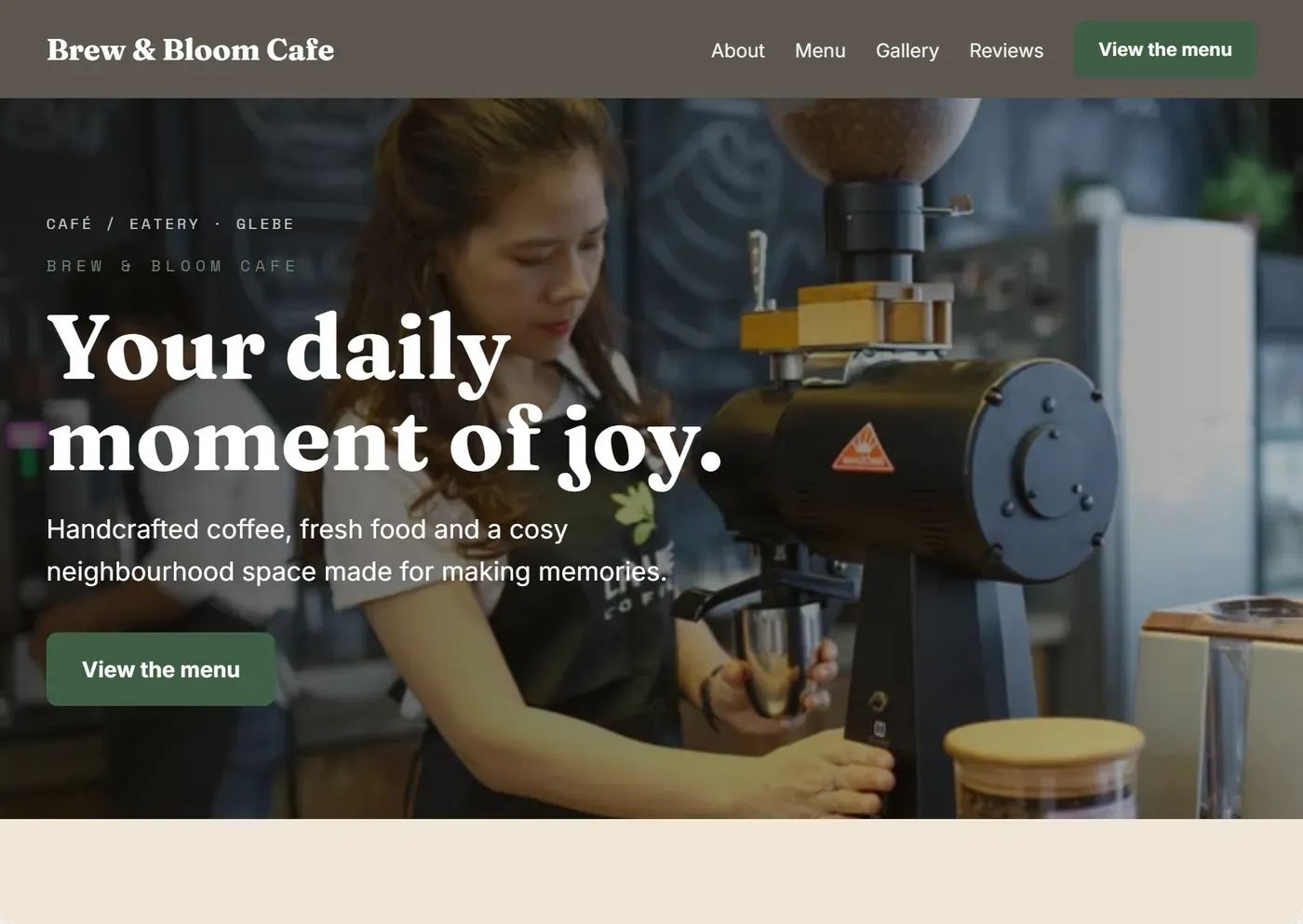
How it becomes yours
What happens once it opens.
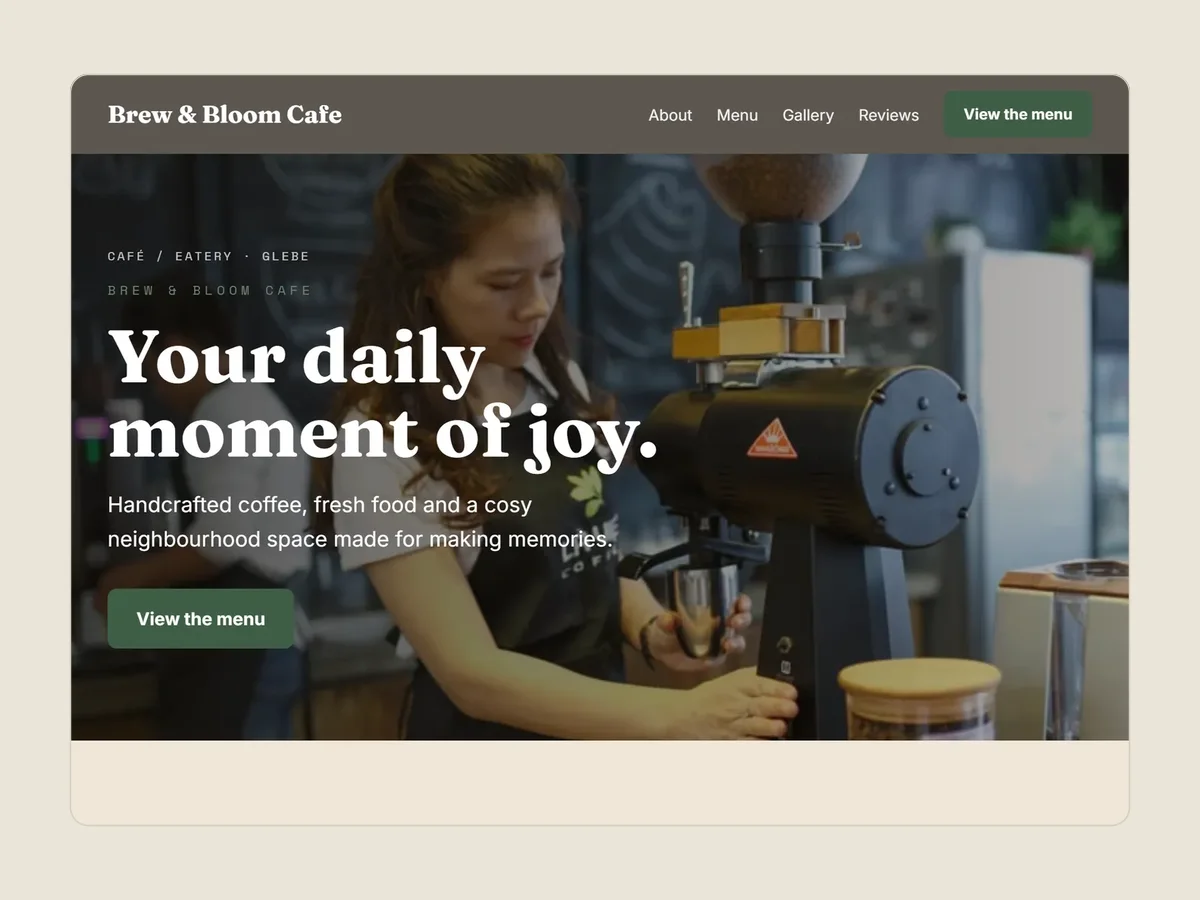
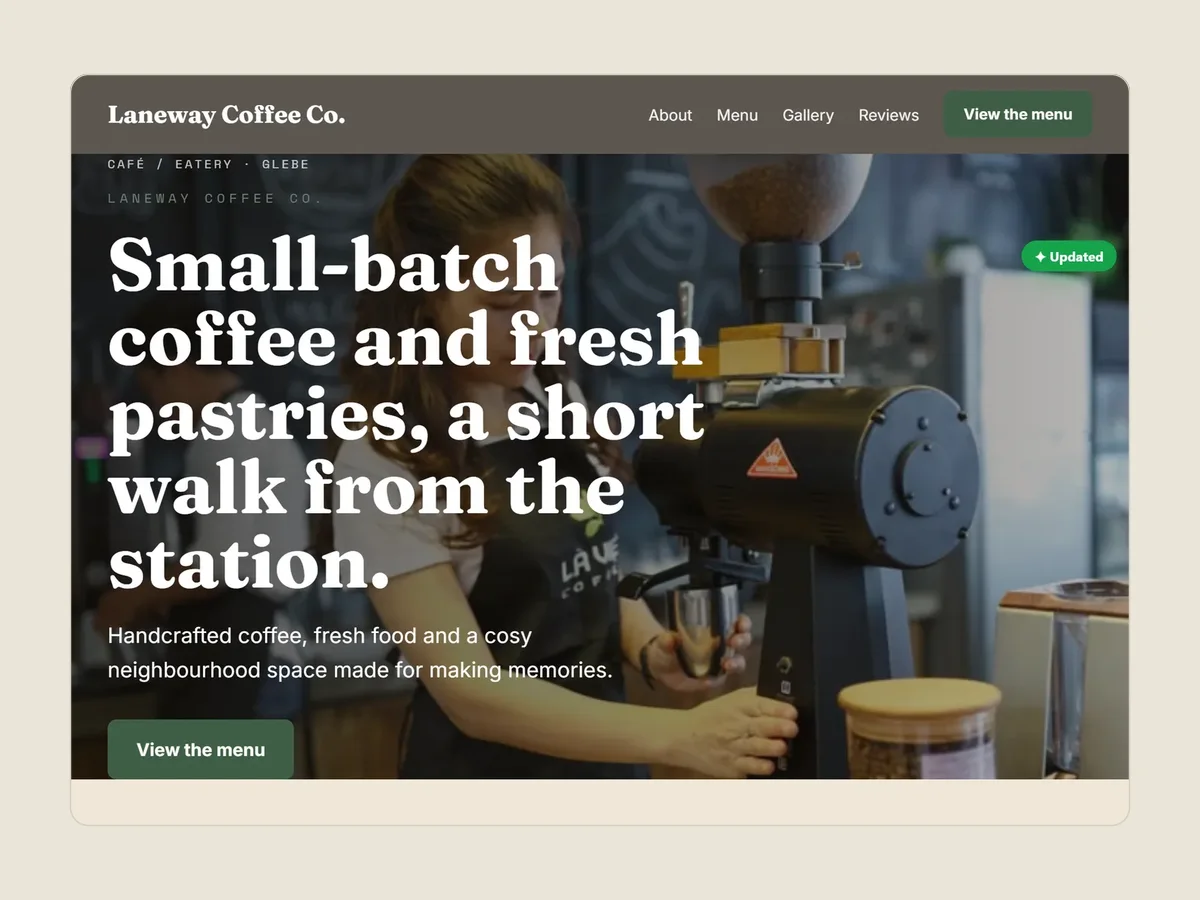
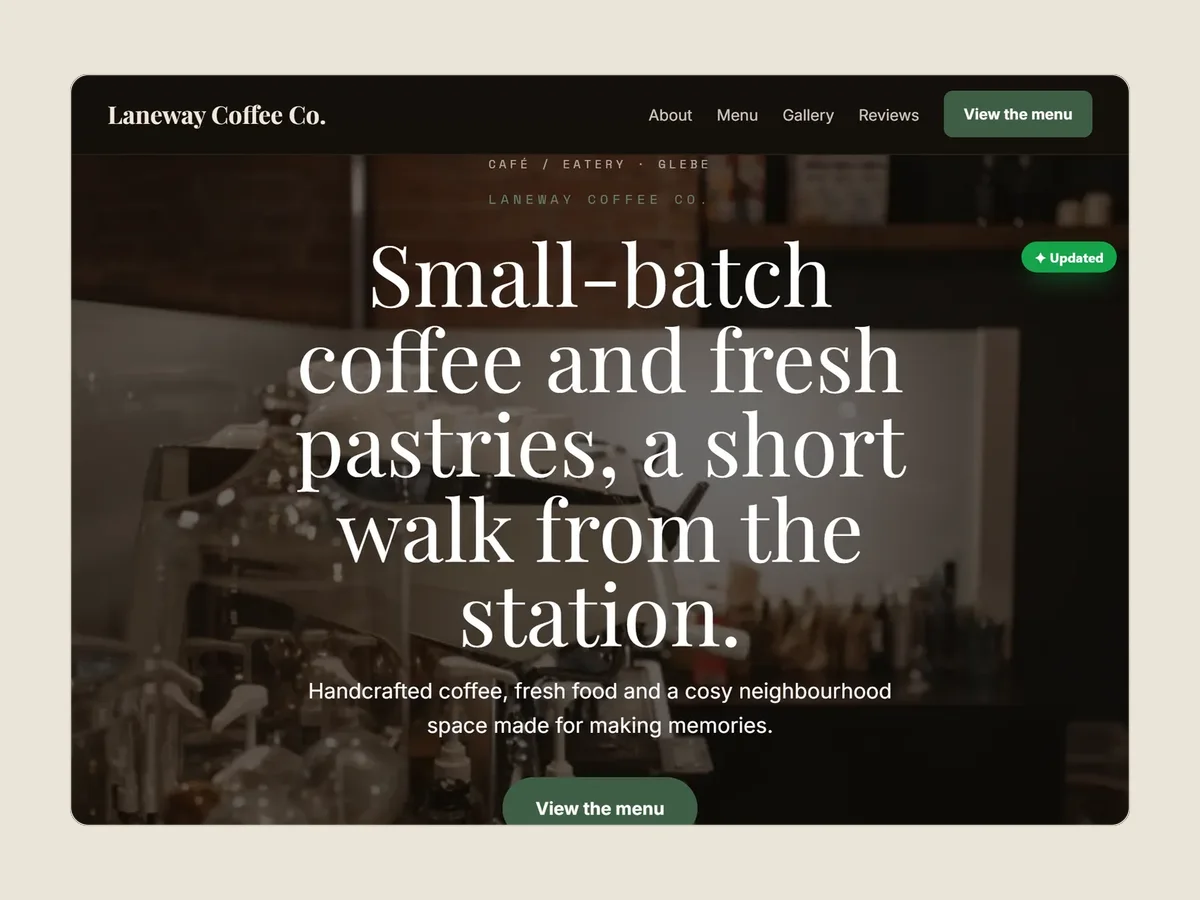
Captures of the builder, 15 September 2026, with the sample café site. Each state is the live preview after that change was made.
Veloċi Studio
See your site on the kinds of screens people use.
Studio puts your live site onto devices in a rendered room: a laptop on a table, a monitor on a desk, a tablet on a sofa. Four more settings, such as a café or a waterside deck, are illustrated scenes. Move between devices, bring one close and scroll your site inside it.
- 17
- device spots in the rendered room
- 77
- device presets
- 52
- distinct screen sizes
- 5
- settings: the room and four illustrated scenes
In the builder, press Explore screen sizes in the toolbar. Studio needs a laptop or desktop screen; on a phone or a small window the builder shows the ordinary preview instead.
Open the builder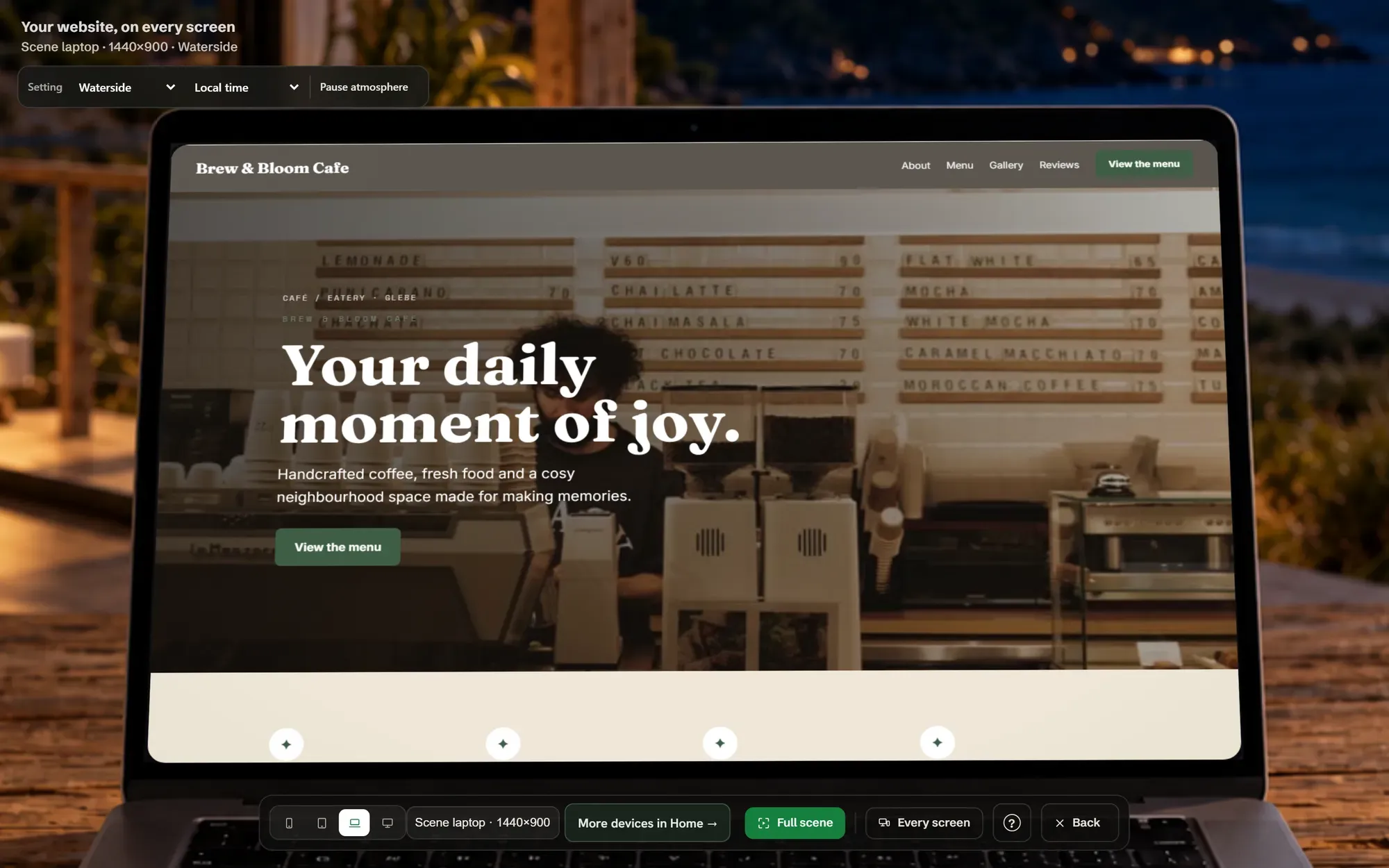
Questions
Before you start.
Do I need an account or a card to try it?
No. Build, edit and use Studio with no account and no payment. We ask for an email, with a code to confirm it, only when you decide to buy.
What if I pick the wrong business type?
Change it in the builder at any time and it opens that type’s starting site. Pick the closest type before you put in much of your own writing.
Is my draft backed up online?
Not automatically. It saves in this browser. Press Save for a copy on your device, or Share to keep a link for 180 days.
Why did a link open my earlier draft instead?
If this browser already holds a draft, the builder opens it rather than replacing your work with a new starting site.
Can I use it on my phone?
Yes: pick a trade, edit and preview on a phone. Studio and the most comfortable editing need a laptop or desktop screen.